
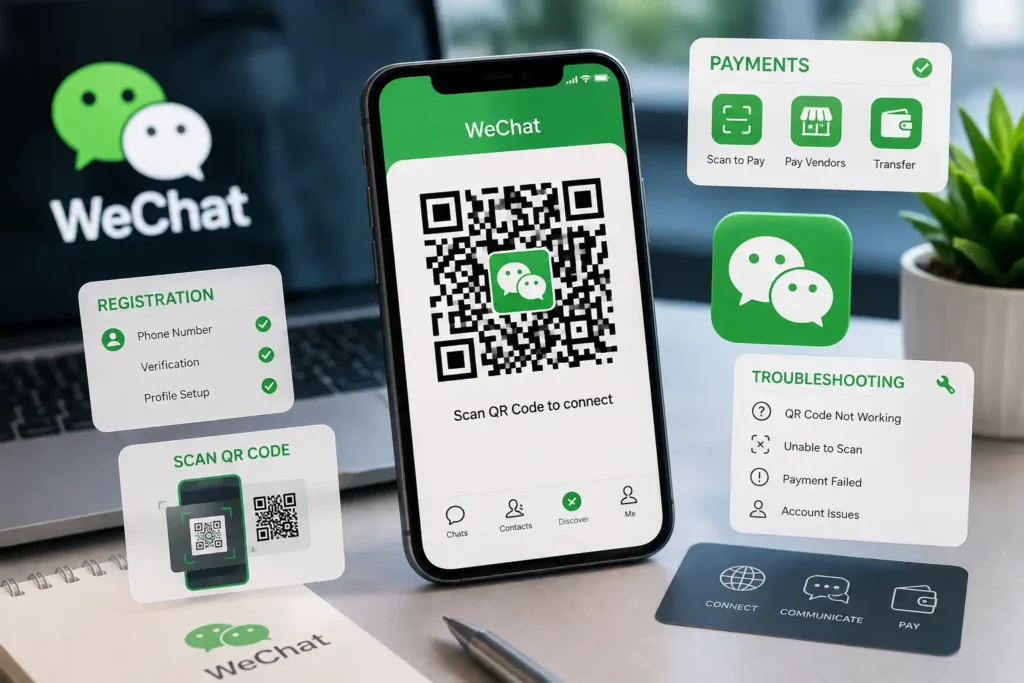

This comprehensive guide explores everything you need to know about WeChat QR Codes—including step-by-step account activation workflows, scanning mechanics from gallery photos, business QR code creation, payment gateway setups, and practical fixes for expired or invalid QR code errors.
What is a WeChat QR Code and How Does It Work?
A WeChat QR Code is a dynamic matrix barcode engineered specifically to route actions within Tencent’s closed ecosystem. Unlike generic web URLs that open in standard desktop browsers, scanning a WeChat QR code triggers specific internal app commands within the WeChat client—such as opening a personal user profile, joining an encrypted group chat, authenticating web logins, or launching a Mini-Program.
Primary Types of WeChat QR Codes
- Personal Profile QR Code (My QR Code): A unique, shareable barcode tied to your individual user account, allowing others to add you as a contact instantly without typing phone numbers or WeChat IDs.
- WeChat Security Verification QR Code: A temporary, highly time-sensitive QR code generated during initial registration or log in on a new device, requiring validation from an existing user.
- WeChat Pay Merchant & Personal Collection QR Code: Barcodes used to send or receive money instantly using Weixin Pay across retail stores, street vendors, and online shops.
- Group Chat QR Code: A temporary invitation code that allows up to 200 members to join a specific WeChat chat group automatically before expiring.
- Official Account & Mini-Program QR Code: Branded square or circular barcodes (Mini-Program Codes) that redirect users to corporate landing pages, e-commerce storefronts, and customer support menus.
How to Pass WeChat QR Code Verification for New Account Registration
One of the biggest hurdles international users face when downloading WeChat is the Friend Verification / Assistance Registration step. To combat spam and fraudulent sign-ups, Tencent requires many new accounts registered outside China to be scanned and validated by an existing WeChat user.
Step-by-Step Security Verification Workflow
- Download Official WeChat: Install the latest version of WeChat from the official Apple App Store or Google Play Store. (Avoid third-party APK downloads).
- Initiate Sign-Up: Open the app, tap Sign Up via Mobile, and input your real mobile number, country code, and name.
- Trigger Security Check: Complete the puzzle slider captcha when prompted on screen.
- Generate the Security QR Code: A screen titled “Ask a WeChat user to scan the QR code below” will display a unique QR code alongside a 2-to-3 minute countdown timer.
- Have a Qualified User Scan: Ask an existing WeChat friend to open their app, tap the + icon > Scan, and scan your screen. Alternatively, send a clear screenshot immediately before the timer expires.
Strict Requirements for the Verifying Friend
Not every WeChat account can verify new sign-ups. To successfully validate your account, your friend’s profile must meet Tencent’s safety criteria:
| User Category | Account Age Requirement | Security & Payment Rules | Monthly Verification Limit |
|---|---|---|---|
| Mainland China Users | Account active for at least 6 months | Must have completed WeChat Pay / ID identity verification | Max 1 scan per month, 2 per 6 months, 3 per year |
| International Users | Account active for at least 1 month (often 6+ months) | No security violations or recent suspensions on record | Max 1 scan per month, 2 per 6 months, 3 per year |
Alternative Options if You Don’t Have a Friend to Scan
If you do not have access to an existing WeChat user, try these alternative options:
- Verify via Bank Card / Payment Method: In select international markets, WeChat offers an alternative option to verify identity by linking an international credit card (Visa/Mastercard).
- Contact Local Chinese Business Services: Travel agents, suppliers, or international business hubs frequently assist clients with official WeChat account verification.
- Avoid Commercial “Paid Scanning” Scams: Never pay unauthorized online sellers for QR code scanning. Tencent regularly detects automated scanning networks, resulting in immediate permanent bans for newly created accounts.
How to Scan a WeChat QR Code (Camera & Phone Gallery Photos)
Scanning a QR code inside WeChat is straightforward, but doing so from an image already saved in your phone’s photo gallery requires a specific steps.
Method 1: Live Scanning Using the In-App Camera
- Open the WeChat application on your smartphone.
- Tap the + (Plus) icon located at the top-right corner of the primary chat interface.
- Select Scan from the drop-down menu.
- Point your camera lens directly at the physical or digital QR code until the green scanning border identifies the code.
Method 2: Scanning a Saved QR Code Image from Your Phone Gallery
- Save or screenshot the QR code image into your mobile device’s camera roll.
- Open WeChat and tap + > Scan.
- Tap the Album / Photos icon situated in the bottom corner of the scanning screen.
- Select the saved QR code screenshot from your gallery; WeChat will automatically scan and process the embedded data.
Method 3: “Long-Press” Instant Scanning Inside Chats
If someone sends a QR code directly inside a WeChat chat thread or Moment post, you do not need to download it. Simply tap the image to open full-screen view, tap and hold your finger on the image, and select Extract QR Code / Scan QR Code in Image.
Using WeChat QR Codes for Payments & Money Transfers
China is a nearly cashless society powered primarily by QR codes. WeChat Pay (Weixin Pay) operates through two primary QR code transactional modes:
1. “Scan Vendor Code” (Merchant Collection)
When purchasing goods at restaurants, retail shops, or taxi cabs, customers open WeChat, tap + > Scan, and scan the seller’s printed QR card. After scanning, the user inputs the exact payment amount in Yuan (RMB), enters their 6-digit payment PIN, and confirms the transaction.
2. “Show Payment Code” (Vendor Scanning)
In supermarket chains, convenience stores, and transit stations, the process is reversed. Users tap Me > Services > Money to reveal a dynamic, auto-refreshing barcode and QR code. The cashier scans the phone screen using a point-of-sale (POS) barcode wand, instantly deducting the purchase amount.
Pro-Tip for International Travelers: International visitors can link foreign credit cards (Visa, Mastercard, Discover) directly to WeChat Pay without opening a Chinese bank account, allowing them to pay via QR code across Mainland China.
How to Create and Optimize WeChat QR Codes for Business & Marketing
For brands and cross-border businesses, WeChat QR codes serve as the primary landing page trigger. Unlike standard black-and-white barcodes, business QR codes can be customized and tracked.
Creating Parameterized & Dynamic QR Codes
Through the official WeChat Official Account Admin Platform or API interfaces, businesses can generate dynamic QR codes embedded with tracking parameters. This allows marketing teams to:
- Track offline campaign performance (e.g., measuring how many users scanned a QR code printed on product packaging versus a trade show booth).
- Trigger automated localized welcome messages based on specific user locations or scanning source codes.
- Automatically assign tags to incoming followers inside the customer relationship management (CRM) database.
Mini-Program Custom Code Design
WeChat Mini-Programs use a circular barcode design (often called a Mini-Program Code). These circular codes provide better aesthetic integration for modern graphic design and retain high scan-readability even when modified with brand logos at their center.
Fixing Common WeChat QR Code Errors & Issues
When working with WeChat QR codes, users occasionally run into error screens. Here is how to diagnose and resolve the most common issues:
1. Error: “QR Code Has Expired”
Cause: WeChat security QR codes generated during account registration or device login typically expire within 2 to 3 minutes. Group chat invite codes expire automatically after 7 days.
Fix: Tap the refresh button on screen to generate a completely new QR code and have the verifying user scan it immediately.
2. Error: “Unable to Read QR Code / Unrecognized Code”
Cause: Poor screen brightness, glare, low image resolution, or trying to scan a WeChat-specific code using a native camera app instead of the internal WeChat scanner.
Fix: Increase the screen brightness on the displaying device, clear camera lens smudges, and always open the scanner from inside the official WeChat app.
3. Error: “Assistance Registration Failed / Unqualified User”
Cause: The account attempting to scan your verification code does not meet Tencent’s strict account age, WeChat Pay, or monthly referral limit rules.
Fix: Find a different verifying contact whose account has been active for more than 6 months with verified WeChat Pay credentials and no security infractions.
4. Error: “Risk Warning / Restricted Account”
Cause: Scanning a QR code that redirects to an unverified external website, suspicious payment portal, or flagged profile.
Fix: Ensure you only scan official merchant codes or trusted personal codes. Do not bypass WeChat security warnings for external URLs.
Frequently Asked Questions (FAQs) About WeChat QR Codes
1. Can I scan a WeChat QR code without creating a WeChat account?
No. Standard smartphone camera apps may recognize a WeChat QR code, but they cannot process internal app actions. You must have an active, logged-in WeChat account to scan personal, payment, or group QR codes.
2. How long does a personal WeChat QR code last?
Your personal account QR code (“My QR Code”) never expires. However, if you change your official WeChat ID or account settings, you can generate a refreshed visual design for your code.
3. Is it safe to share my WeChat QR code online?
Sharing your personal contact QR code on public forums allows anyone to send you a friend request. To prevent unwanted spam, manage privacy controls under Me > Settings > Privacy > Ways to Find Me.
4. Why does a WeChat group QR code expire after 7 days?
Tencent enforces a 7-day expiration policy on group invitation codes to protect group privacy, prevent automated spambots from scraping public groups, and maintain member security.
5. Can I use a screenshot to pay via WeChat Pay?
No. For security reasons, WeChat Pay dynamic payment barcodes auto-refresh every few seconds and render screenshots inactive to protect against financial theft.
Conclusion: The Central Engine of the WeChat Ecosystem
The WeChat QR Code is far more than a simple barcode—it is the bridge connecting physical real-world interactions with China’s comprehensive digital ecosystem. Whether you are authenticating a new account sign-up, sending payments across vendor counters, adding personal contacts, or building a brand strategy, mastering QR codes is fundamental to navigating WeChat successfully.
By understanding verification requirements, leveraging photo album gallery scanning, adhering to payment safety protocols, and avoiding spammy quick-fix scams, users and businesses can unlock the full power of Tencent’s super-app securely and efficiently.